01 / COLLECT
Capture at the source.
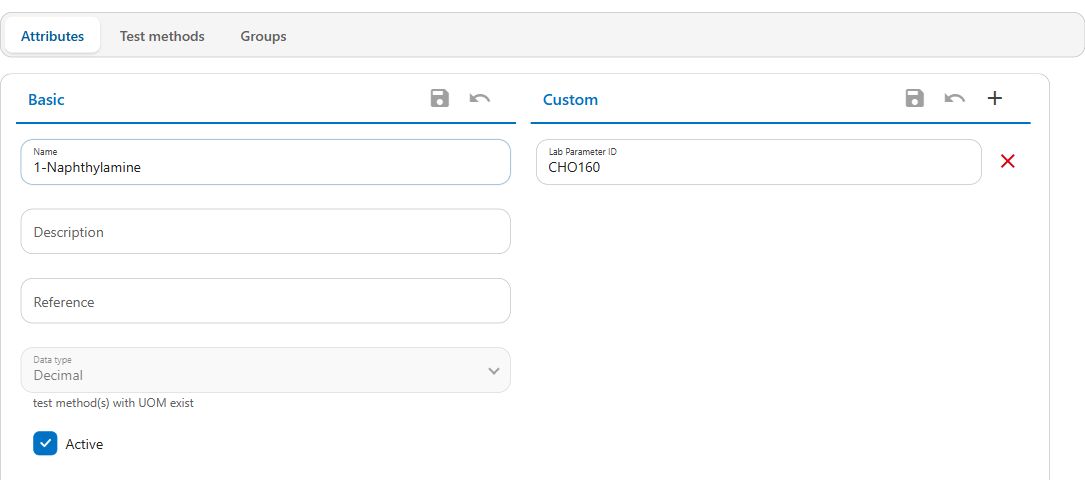
Schedule sampling programs, enter results on mobile and import data from your existing systems.

For water & wastewater teams
Bring sampling, field results, laboratory data and reporting together. Give your team a clearer view of water quality, from the field to the final report.
Cloud-based · Mobile data collection · Configurable reporting
Supporting water utilities and local government

From collection to understanding
Connect the work your team does in the field with the information you need to monitor operations and prepare reports.
Schedule sampling programs, enter results on mobile and import data from your existing systems.
Check results as they are entered, convert units and calculate derived values automatically.
Compare trends and configure notifications when results breach your defined limits.
Find the results you need, create tailored reports and export to Excel for further analysis.
Built around your operations
Manage water and wastewater quality in a platform that adapts to your sampling programs, data and reporting needs.
Sampling & field work
Bring consistency to sampling with recurring or ad hoc programs. Operators can enter results directly in the field using the Aquantify mobile apps.
Data & automation
Import results from SCADA, LIMS and spreadsheets. Use built-in mathematical and statistical expressions to calculate derived results.
Monitoring & alerts
Compare parameters to understand trends and correlations. Configure alert limits and choose immediate notifications or scheduled email summaries.
Configuration & reporting
Organise sample points, control access and filter results using custom attributes. Tailor reports to support operational reviews and compliance reporting.
Bring your sources together
Your quality data can come from many places. Aquantify brings results from operational systems, laboratories, spreadsheets and field teams into a central database.
Discuss your data sourcesImport and configuration requirements depend on your systems.
Implementation & support
Thinking Windows Software helps you configure Aquantify for your organisation, prepare your team and build the reports you need.
Assistance with installation, system configuration and database schema guidance.
Help operators and administrators get comfortable using Aquantify.
Reporting guidance and custom report building for your organisation.
Yes. The platform supports water and wastewater quality, water reuse, dam and reservoir monitoring, and other environmental data. Discuss your intended use with us to understand the configuration required.
Aquantify has iOS and Android apps for entering results directly in the field. A demo can show how mobile collection fits into a sampling program.
You can configure user groups and data access, alert limits and notification rules, custom attributes and reporting filters. Thinking Windows Software also offers configuration and custom reporting assistance.
Let's talk about your quality data
Tell us about your sampling, data sources and reporting needs. We'll arrange a conversation and walk you through the platform.
Or email info@aquantify.com