
Active and inactive records
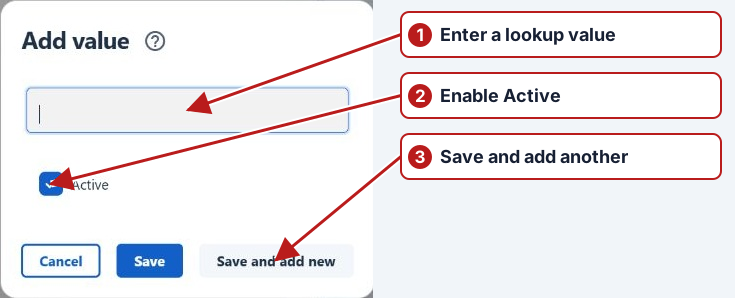
Many setup records have an Active checkbox. Keep it enabled while the record should be offered for new work.
Find inactive records
Lists that support inactive records offer Show inactive in the toolbar. Toggle it to include inactive items, then open a record to review it.
Entity state and association dates are different
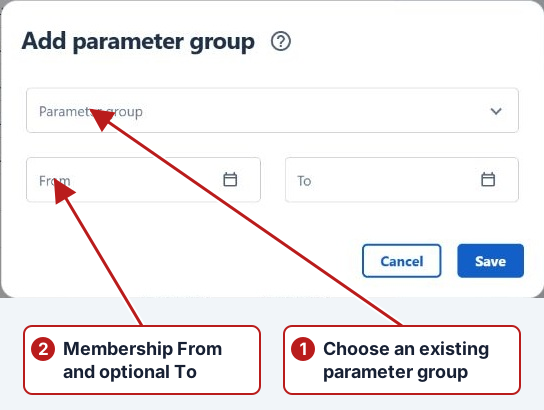
A parameter can remain Active while its membership in one group has ended. An instrument can remain in history while its method association no longer applies to future readings. Check the record’s Active field and each relevant association’s From/To separately.
Example: a point appears to be missing
- Include inactive records in the point browser where offered.
- Open the point and inspect Active.
- Inspect its Groups tab and association dates.
- Check the selected group and any date or site filters.
- Restore only the intended state or association, then repeat the search.