
Assign access to system partitions
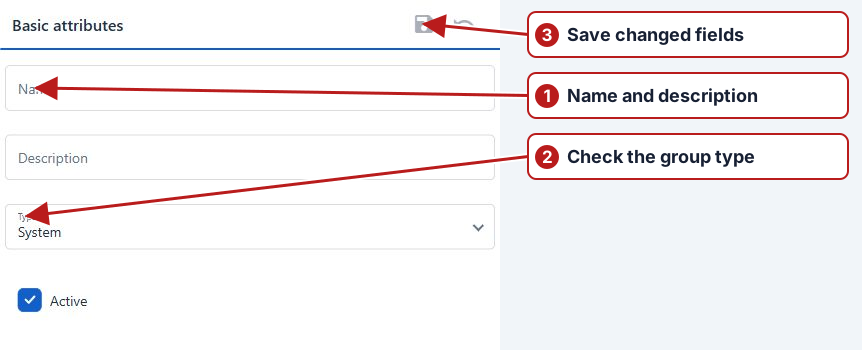
A root sample point group whose type is System provides a partition. Define the required hierarchy before assigning access.
- Open System > Roles and select the role to configure.
- Open its Partitions tab.
- Select the system partitions this role should access.
- Review the role’s users and permissions as well as its partition scope.
- Repeat for other roles as required.
See System partitions and Create and configure a role.
Build and assign the hierarchy
Create a top-level System group for each intended business partition, then place organisational groups, Sites and points under it. Open the relevant roles and assign their partition access alongside operation permissions.
Review expected visibility
Check the intended sites and points under the selected partition, then review task-browser filters. See Drinking Water hierarchy example.