
Associate a child issue with a parent
Use a parent issue to bring related investigations together.
- Open the issue that should become the child.
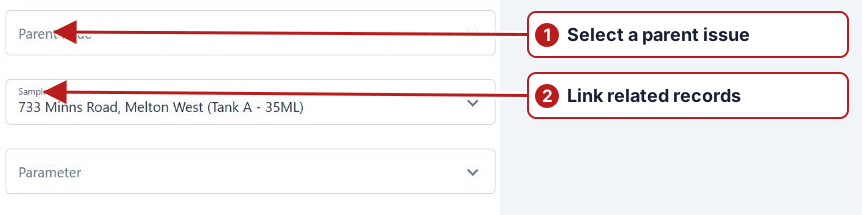
- In Attributes, find Parent issue.
- Search for the parent by its issue number or description, then select it.
- Click Save in the Basic panel.
The parent’s Child issues tab lists the association. Use Open parent beside the selector to open the chosen parent.
Verify both sides
After saving the child’s Parent issue field, reopen the parent and inspect Child issues. Confirm the intended relationship and keep each issue’s scope clear. The parent can coordinate related work while the child retains its own cause, action and status history.