
Add a lookup type
A lookup type defines a list of values that can be selected during result entry.
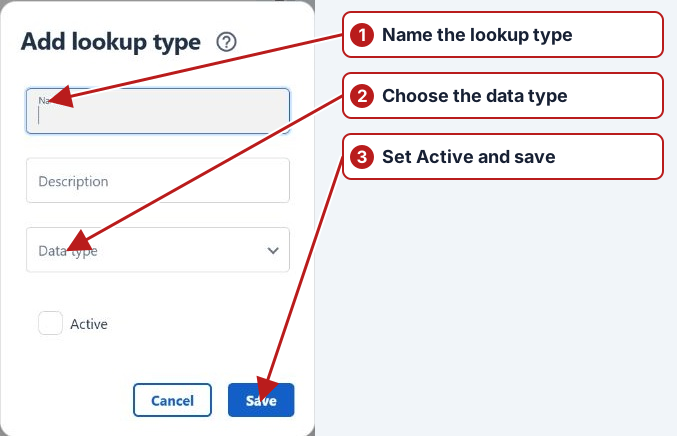
- Open Manage > Lookup types.
- Click Add new in the lookup types pane.
- Enter a unique Name and optional Description.
- Select Data type and enable Active if the type is ready to use.
- Click Save.
Next, add lookup values and associate the type with a parameter.
Add values and use the list
After saving the lookup type, add the allowed values. Select the type when defining a lookup parameter or custom attribute. For example, a condition parameter can offer Clear and Turbid instead of inconsistent free text.
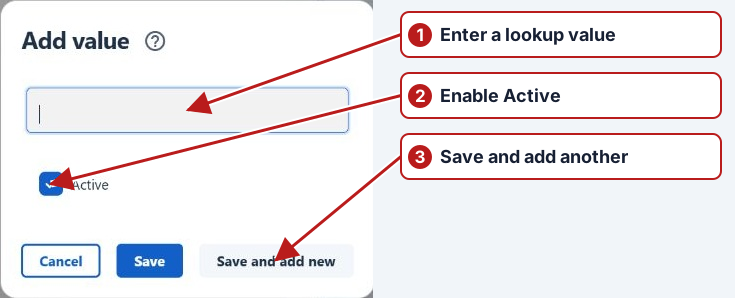
Review Active and historical use when maintaining values rather than deleting a choice still referenced by results.