
Add a unit of measurement
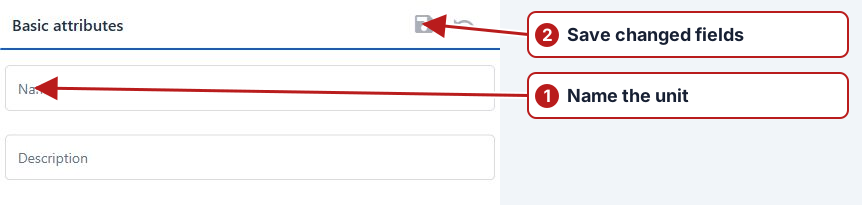
- Open Parameters > Units of measurement.
- Click Add new in the units pane.
- Enter Name and, if needed, Description.
- Click Save in the Basic attributes toolbar.
Group a unit under a type
In the units list, drag the unit onto the required type in the left pane. Check the target type and confirm the move when prompted.
Check names and conversion needs
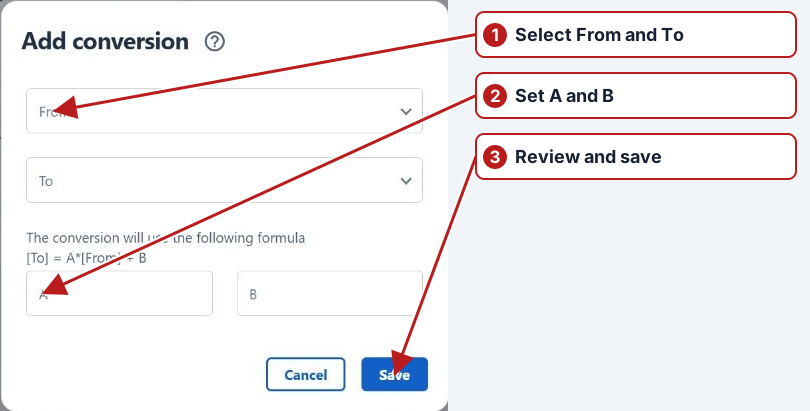
Choose the unit type corresponding to the physical quantity, then set a clear unit name and description. Review the abbreviation used by your laboratory files and expression references. Add compatible conversions where another reported unit needs to be accepted.
Confirm the method’s selected unit before entering representative results.