
Skip or delete program occurrences
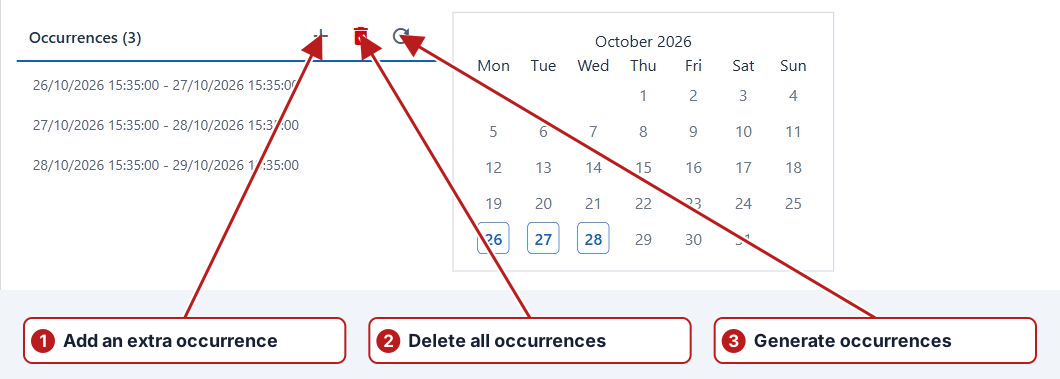
One occurrence
- Open the program, its test series and Occurrences.
- Select an editable occurrence.
- Click Delete occurrence and review whether the confirmation says skip or delete.
- Confirm to apply the change.
All occurrences
Use Delete all occurrences only when you intend to remove the series’ occurrences. Review and confirm the request.
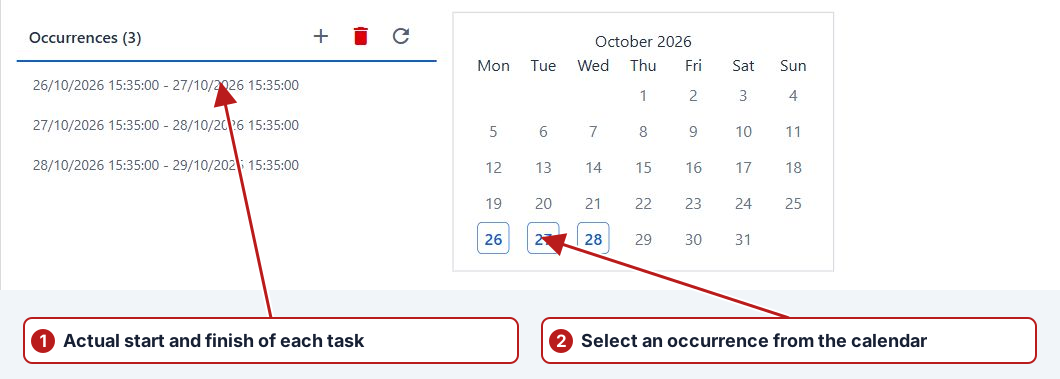
Review the selection and locks
Confirm the intended series and date range, and check for submitted or imported locked work. Deleting a regular occurrence can record a skip; deleting an extra occurrence removes that extra window. Read the offered bulk confirmation and inspect the resulting future tasks.