
Add a unit of measurement type
Use unit types to group related units of measurement.
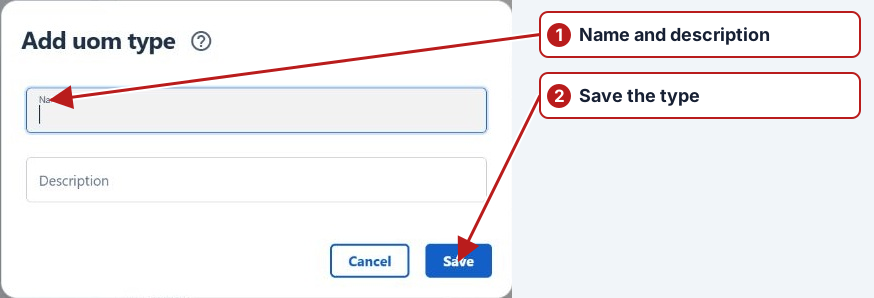
- Open Parameters > Units of measurement.
- Click Add new in the Unit of measurement types pane.
- Enter a unique Name and an optional Description.
- Click Save.
Next, add a unit of measurement.
Group compatible dimensions
A unit type groups units that measure the same kind of quantity, such as volume. L and ML can belong to that type; L/s belongs to flow rate. Define the type first, then its units and needed conversions.
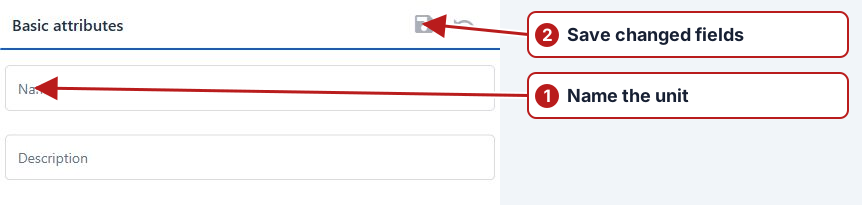
Use existing definitions when possible so imports, expressions and methods use consistent unit names.