
System partitioning
A sample-point group of type System defines a business partition. Roles receive access to the applicable partitions. Beneath them, ordinary groups can organise districts and Site groups can organise operational locations.
Example hierarchy
| Level | Example | Purpose |
|---|---|---|
| System | Drinking Water | Business partition for role access |
| Organisational group | District One | Convenient hierarchy grouping |
| Site | North Treatment Plant | Site context for work and searches |
| Sample point | Plant inlet | Specific measurement location |
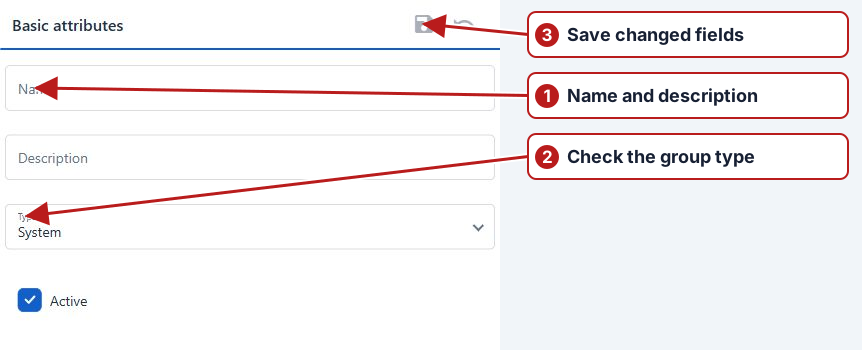
Set up the hierarchy
Create the System group, add any organisational parents, then the Site groups and their sample points. Search the hierarchy without an overly restrictive type filter when looking for an intermediate group. A district does not need to be a Site merely to appear in the tree.
Assign role access
Open System > Roles and the intended role’s partition assignments. Give a Drinking Water coordinator access to the appropriate Drinking Water partition and separately review their operation permissions. A supervisor may need several partitions; a field operator may need fewer.
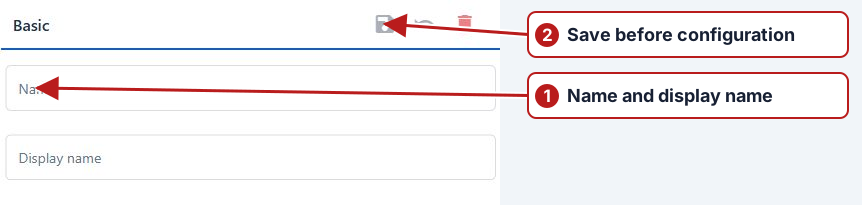
Site selection and browsers
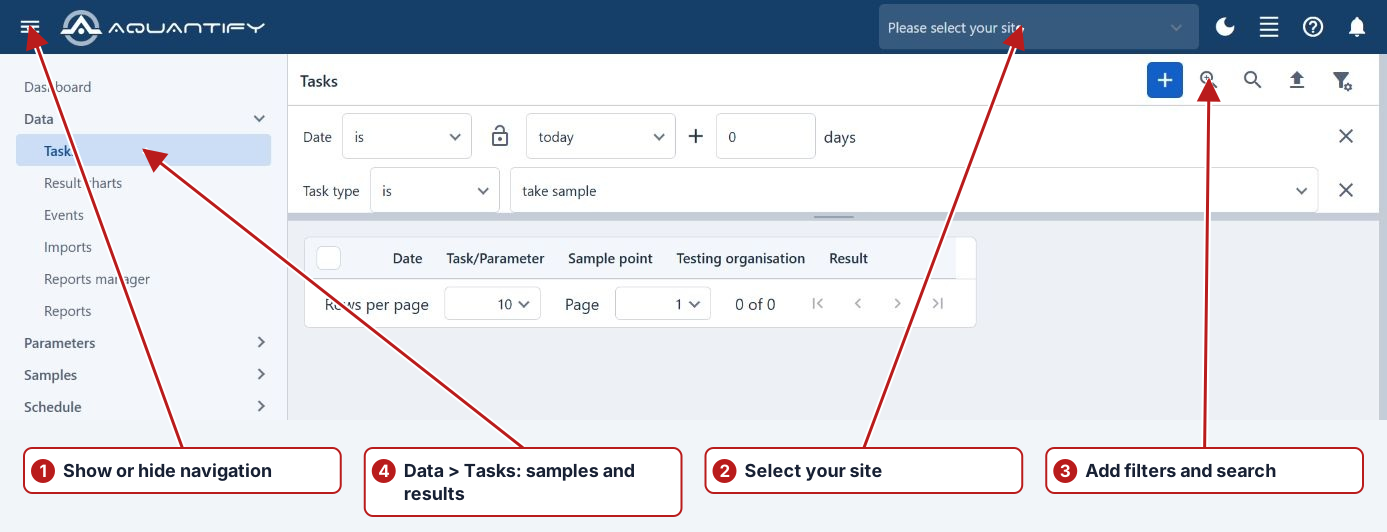
Accessible sites and records depend on the hierarchy and assigned access. Select the working site in the header, then review the actual location/site filter in Tasks. An empty search may result from access, a selected site, filters or inactive records.
Ad hoc import locations
The system can create otherwise unknown imported sample points under its Ad hoc placeholder. Review creation events and identifier matching, then associate legitimate points with the intended hierarchy. Do not treat the placeholder as a substitute for laboratory-code setup.