
Resize split panes
Some pages use draggable dividers between filters, records and details. Help also has a divider between the topic tree and the document.
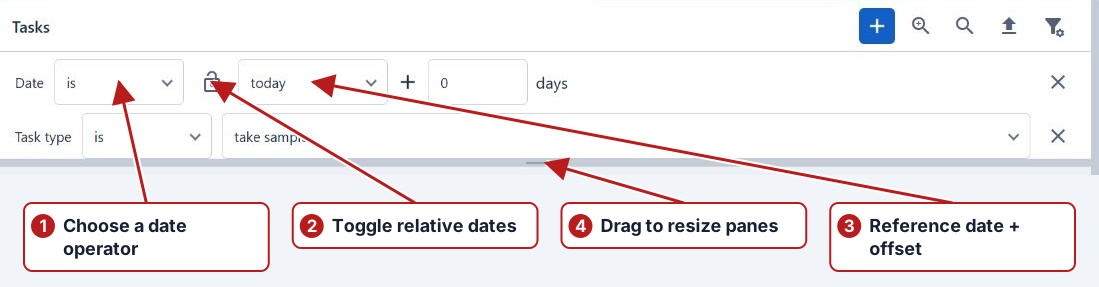
- Locate the divider between the panes.
- Drag it towards the pane you want to make smaller.
- Drag it back when you need more room for filters or details.
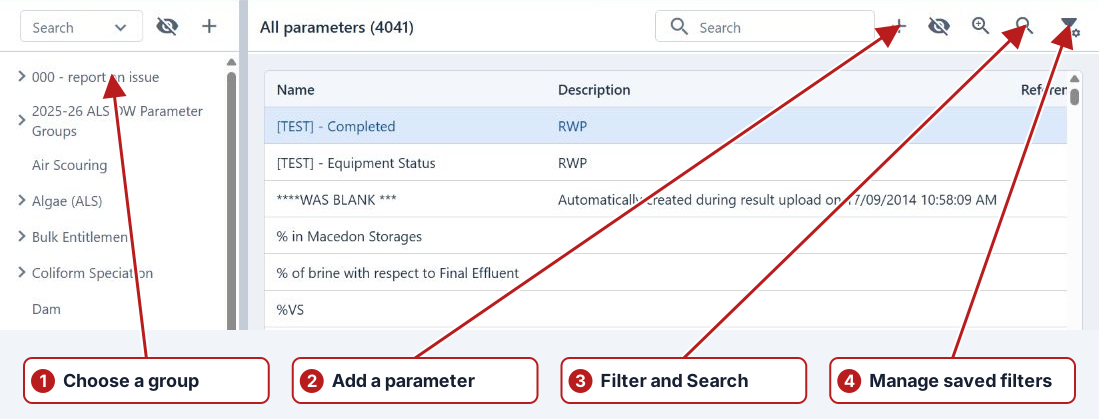
Resize and search the correct pane
Drag the divider to give long group names or detail columns more room. A hierarchy search finds groups, while the adjacent list’s search and filters find its records. Check the selected group before interpreting a filtered list.