
Remove a parent issue association
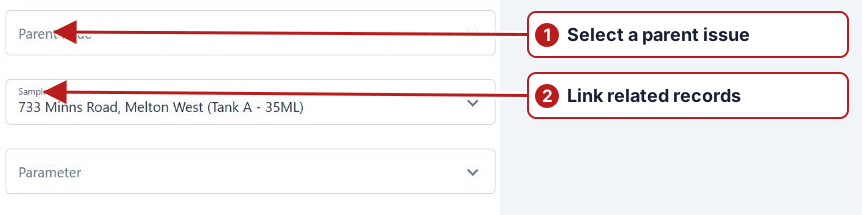
- Open the child issue and select Attributes.
- Clear the value in Parent issue.
- Click Save in the Basic panel.
Verify the relationship change
Clear the parent through the offered field controls, save Basic and inspect the child’s field and former parent’s Child issues list. Disassociation does not delete either issue or resolve its outstanding work.