End parameter group membership
Use the membership dates to stop a parameter belonging to a group.
- Open the parameter from Parameters > Parameters.
- Open Groups.
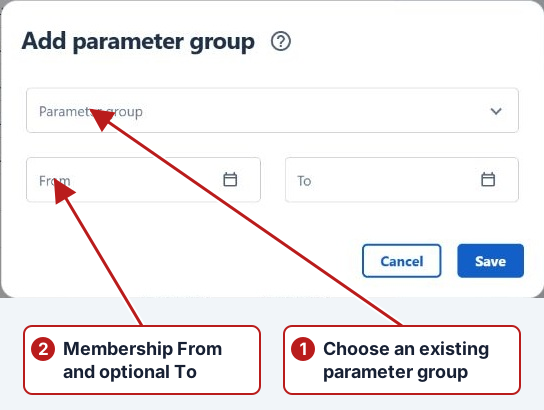
- Double-click the required membership, or select it and click Edit.
- Set its To date and click Save.
Check the intended scope
Open Groups on the parameter and identify the relevant association and period. End or remove only that membership through the available controls. The parameter can still belong to other groups and retain its historical results.