
Add an existing parameter to a group
Add group membership without creating another parameter.
Use the parameter's Groups tab
- Open the existing parameter from Parameters > Parameters.
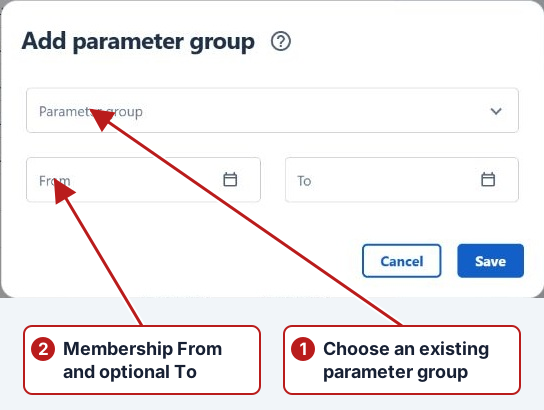
- Open Groups and click Add new.
- Select Parameter group and set the membership's From and optional To dates.
- Click Save.
Drag from the browser
You can also drag a parameter from the parameters list onto a group in the tree. Hold Ctrl to copy its membership; otherwise a drag from a selected group moves it. Review the copy or move confirmation before proceeding.
Verify the membership
Select the target group and repeat its parameter search. Open the record’s Groups tab to check both the new membership and any existing ones. A move should not be mistaken for a copy when the parameter belongs in both groups.