
Create and configure a role
A role groups permissions, partition access and users.
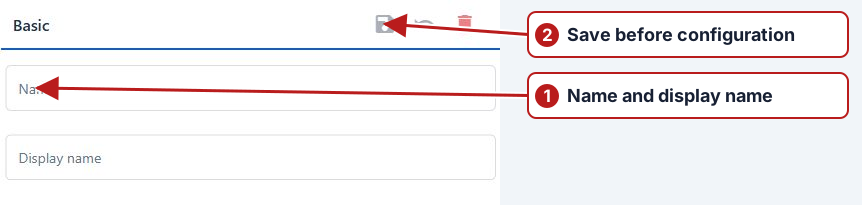
- Open System > Roles and click Add new.
- Enter Name and Display name, then click Save.
- Open Permissions and select the actions required for this role.
- Open Partitions and select the system partitions the role should access.
- Use Users to manage membership, or assign the role from a user’s editor.
Operation access and partition access
After saving the role, review the Permissions and Partitions tabs. Select the operations needed for the role’s actual work and the business partitions it should cover. A task-edit permission is not a substitute for access to that task’s location partition.
Assign and review users
Associate the intended users and review all their roles when investigating combined access. Check view/search separately from setup edits, result submission and administration. See Access examples and diagnosis.