
Add an instrument
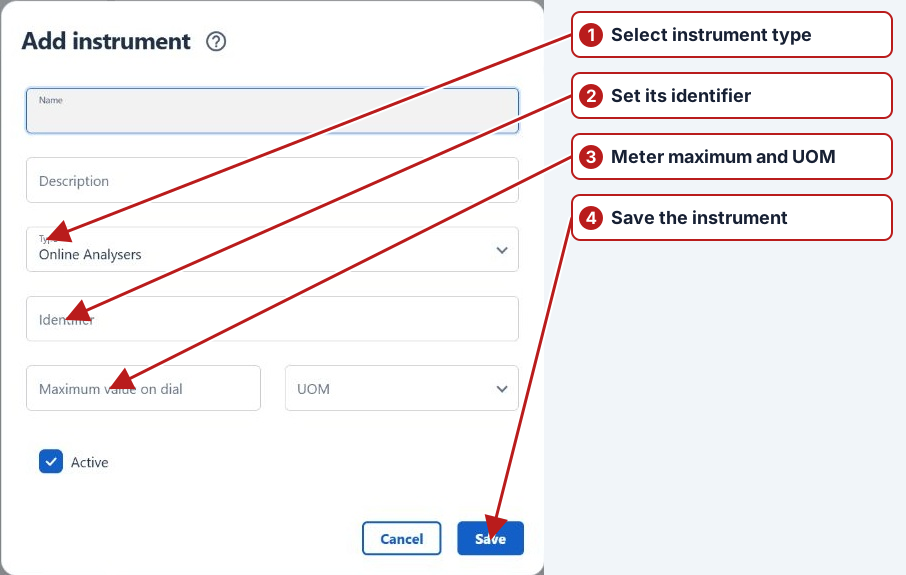
- Open Parameters > Instrument types and select the required type.
- Click Add new in the instruments pane.
- Enter Name, optional Description and Identifier.
- Check Type. For a meter, enter the appropriate Maximum value on dial and UOM.
- Set Active and click Save.
Meter calculations and replacements
Where rollover is possible, configure the maximum and unit according to the app’s meter convention. Assign the instrument to the reading method so Diff and Total can distinguish readings on that device. Create a separate instrument for a replacement and preserve the old historical association.
See Replace a meter and Worked rollover example.