
Site selection
Select your working site with the combobox in the top bar. A site is a sample point group whose type is Site.
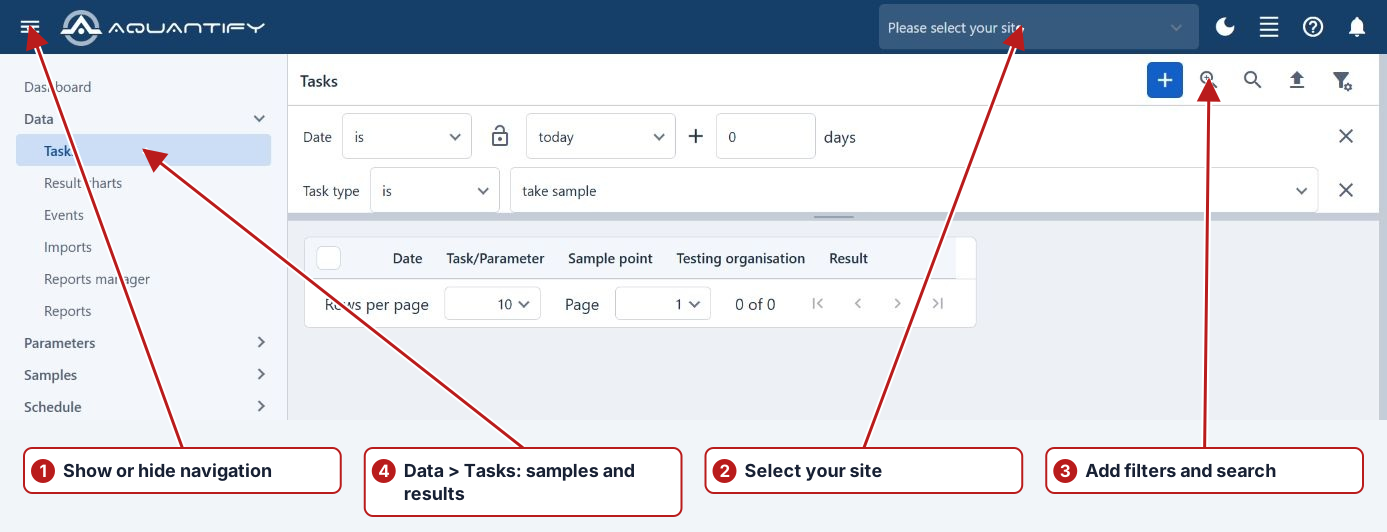
Use the selected site in a search
Choose the applicable site or sample-point-group filter on the page and use its current-site option where available. Click Search to retrieve matching records.
To define a site, see Add a sample point group.
Example: work at one site
If Site_1 contains Inlet, Outlet and Tank points, select Site_1 in the header and use the applicable current-site/location filter in Tasks. Search and confirm those intended points before entering measurements. When moving to Site_2, change the header selection and review the filter values again.
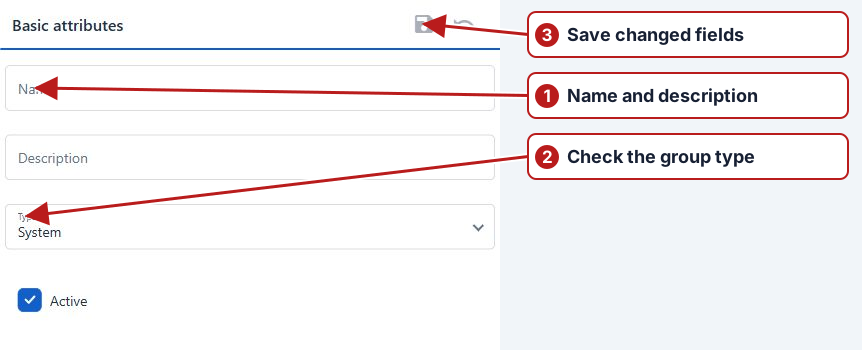
If a site or task is missing
Check the group’s Site type and Active state, its System parent and the user’s partition permissions. Then review the task period, point membership and browser filters. Site selection gives context; it does not prove that work has been scheduled at every point.