
Restore an occurrence
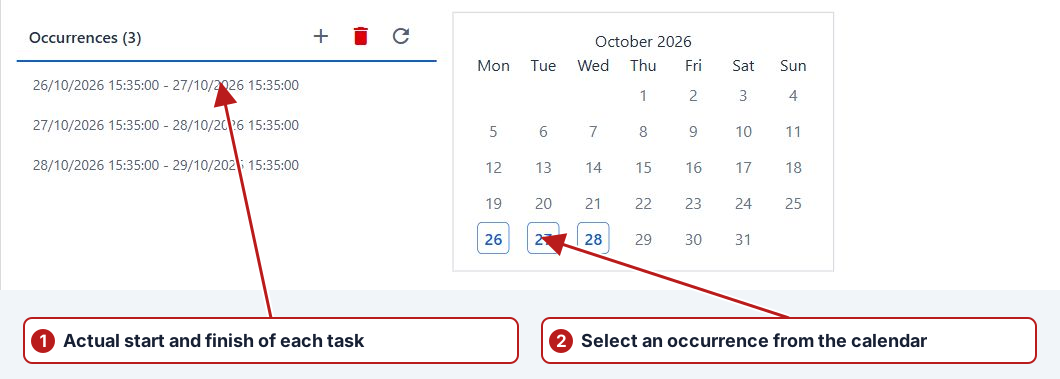
- Open the program, its test series and Occurrences.
- Select an eligible skipped or changed occurrence.
- Click Restore occurrence.
- Review and confirm the restoration, then check the updated list.
- Repeat for other occurrences as required.
Check the restored period
Restore returns an eligible skip or exception to its original series definition. Its dates can differ from the exception. Review the final From/To and relevant generated tasks; submitted or imported occurrences can remain locked.