
Find results with limit breaches
- Open Data > Tasks.
- Add a Limit breached filter and set it to Yes.
- Add the appropriate date range, parameter or sample point filters, then click Search.
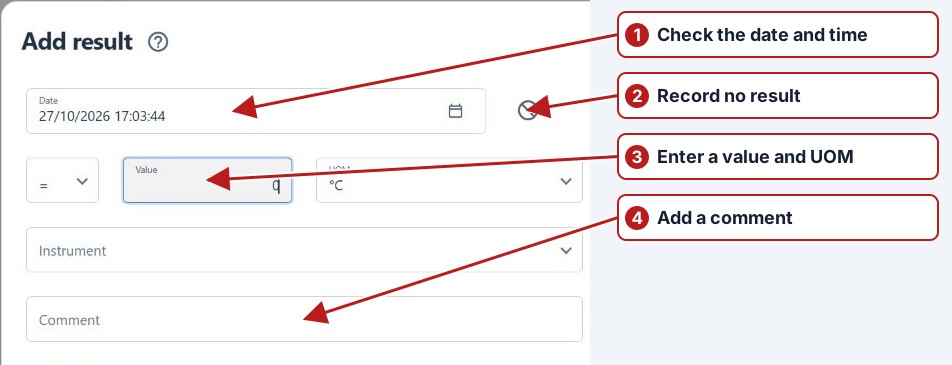
- Open a returned result to review its value, unit, comment and limit information.
- Use Go to issue from its row menu when an issue is linked, or Link result to issue to associate an existing investigation.
Confirm the actual breached rule
Filter Tasks by the relevant breach criterion, date and location, then open a matching result. Inspect the value, unit and applicable limit; one result can breach more than one rule. Check linked issues and calculation details where relevant.
Use a saved filter for routine breach review, but keep its relative date range in mind when comparing different runs.