
Program occurrence exceptions
An exception changes an individual occurrence without changing the recurring pattern for the entire series.
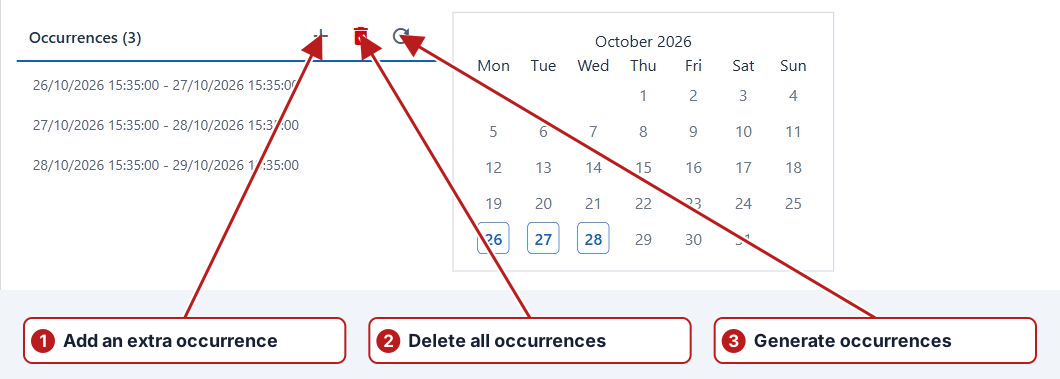
Change an occurrence
Open the program’s test series and choose Occurrences. Select an editable occurrence and use Edit occurrence to adjust its dates. Delete occurrence skips a regular occurrence or deletes an extra occurrence, according to the confirmation shown.
Add or restore
Add extra occurrence creates an extra task window. Review its dates afterwards. Restore occurrence resets an eligible skipped or changed occurrence to its series definition.
Example: planned holiday and an extra occurrence
A daily series may skip a holiday through Exclude holidays. If work is deliberately needed on that date, Add extra occurrence defines an explicit period rather than relying on the regular rule. Review the actual From/To and the applied sample definitions before adding it.
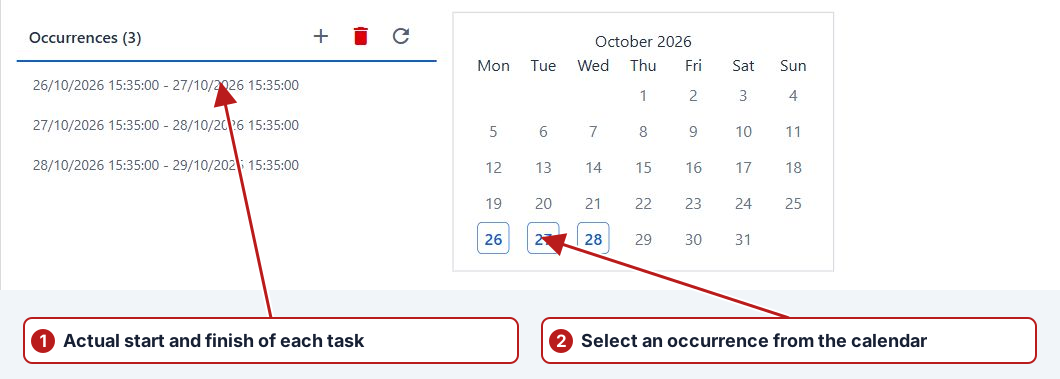
Restore or keep the exception
A selected eligible skipped or changed occurrence offers Restore occurrence. Restore returns it to its series pattern, which may differ from the explicit exception. Submitted or imported occurrences can be locked. Check the resulting date and tasks after any approved change.