
Associate a lookup type with a parameter
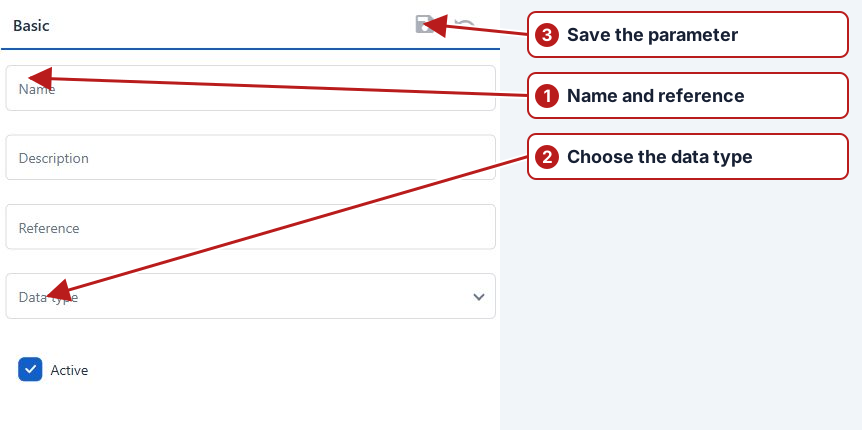
- Open the parameter from Parameters > Parameters.
- On Attributes, select the lookup type in Data type.
- Click Save in the Basic toolbar.
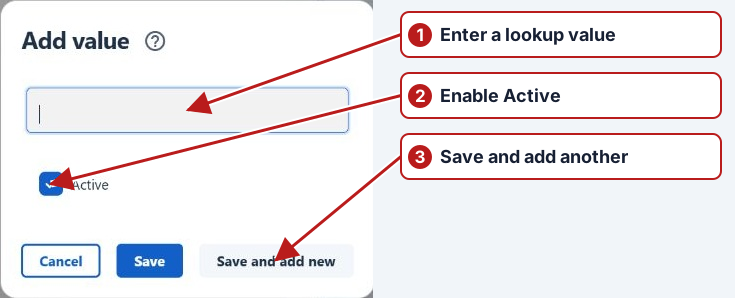
See Add a lookup type and Add a lookup value.
Confirm result entry
After saving the lookup data type on the parameter, inspect the defined values and their Active state. The result editor should offer the controlled choices rather than a numeric measurement field. Review any value-based limits for that parameter.
Existing dependent methods/results can restrict data-type changes; review those dependencies before altering a used parameter.