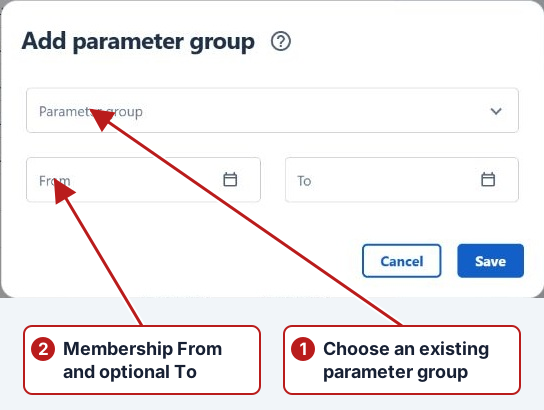
Add a parameter group
- Open Parameters > Parameters.
- Select the parent group if you are creating a subgroup, or use Deselect for a root group.
- Click Add new in the groups pane.
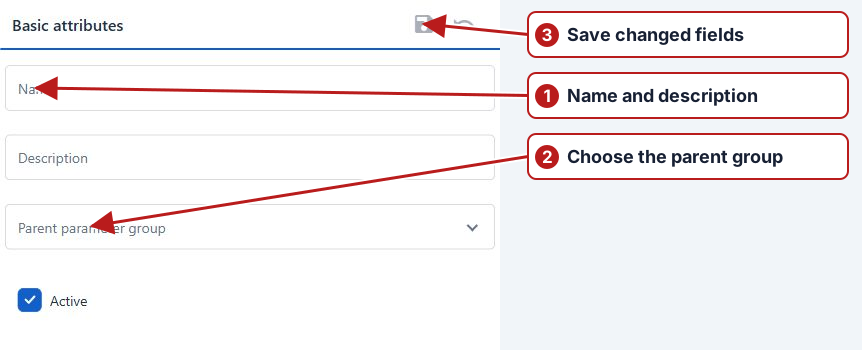
- Enter Name and optional Description, check Parent parameter group and set Active.
- Click Save in the Basic attributes toolbar.
Organise for selection
Use a parent such as Water quality and practical children such as Field measurements or Laboratory chemistry. Add existing parameters to multiple groups when the same measurement belongs in several selections. A group does not need a duplicate parameter definition for each program.