
Add a sample point group
Use groups to organise sample points into systems, sites and other collections.
- Open Samples > Sample points.
- Select the parent group for a child group. Use Deselect when creating a root System group.
- Click Add new in the groups pane.
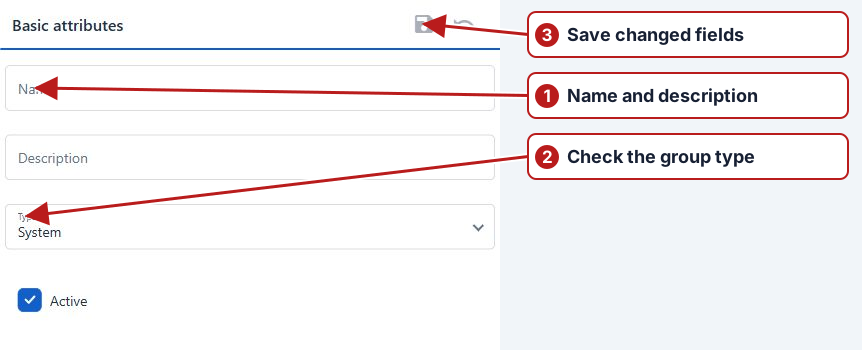
- Enter Name and optional Description.
- Check Type. Child groups offer None or Site; check their Parent sample point group.
- Set Active, then click Save in Basic attributes.
Choose the role in the hierarchy
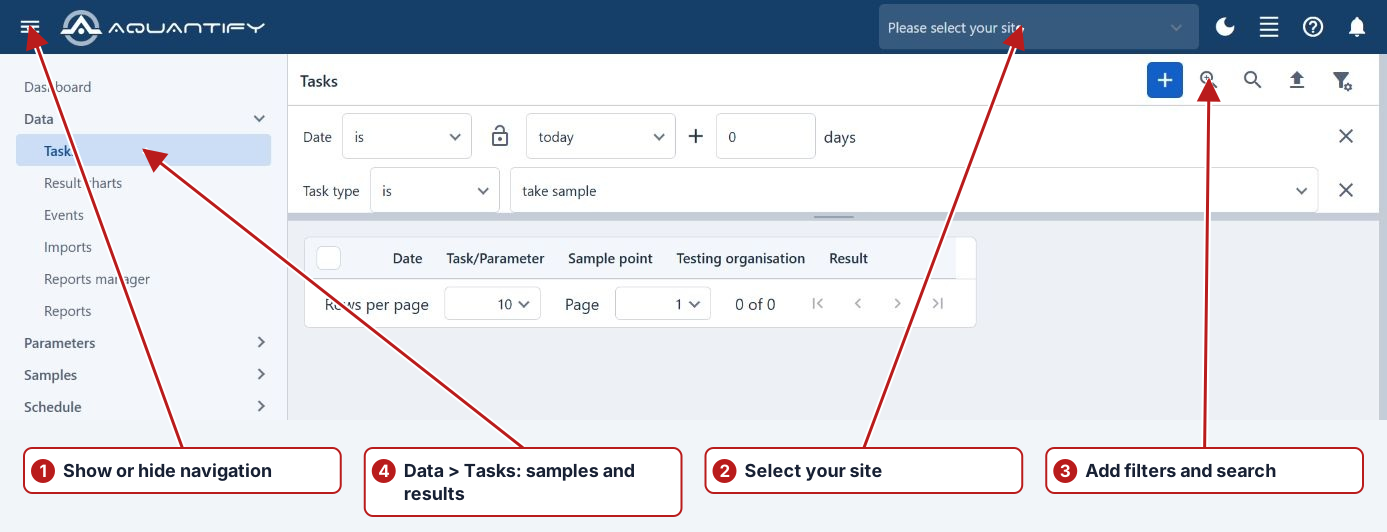
Use System for a business partition, Site for an operational site and an ordinary group for intermediate organisation. Select the appropriate parent rather than making every folder another partition. Review the resulting hierarchy and site selection.
Populate the group
Add or associate the intended points, then inspect their memberships and dates. A group definition alone does not schedule work; use a program sample definition for that purpose.