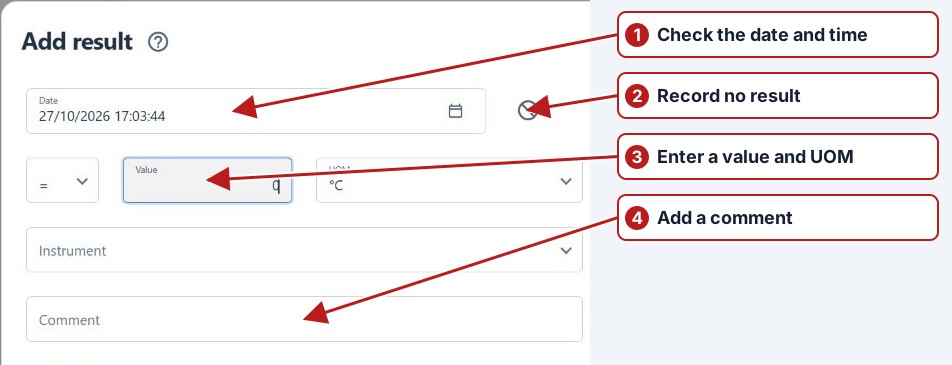
Task and result status
Use Data > Tasks to review both sampling and result tasks.
Take sample
- Pending
- The scheduled sample has not been recorded.
- Sampled
- The sample has been collected.
- Not sampled
- The sample was not collected; record the reason in Comment.
Enter result
- Pending
- A result has not been submitted, or a calculated result is waiting for required sources.
- Has result
- A value has been recorded or calculated.
- No result
- The task has been submitted without a value. Explain the reason in Comment.
See Enter results and Parameter expressions.
Submitted, empty and pending
| Work | State | Meaning |
|---|---|---|
| Take sample | Pending | Sampling outcome has not been recorded |
| Take sample | Sampled | Collection was recorded with its actual date/time |
| Take sample | Not sampled | Collection did not occur; record the reason |
| Enter result | Pending | Result outcome has not been submitted |
| Enter result | Value recorded | A measurement and its context were submitted |
| Enter result | No result | An empty outcome was submitted with an explanation |
| Calculate | Pending or calculated | Depends on the expression, period and source readiness |
No result completes an outcome without a numeric value. It does not mean zero. Complete aggregate functions and rolling functions treat pending sources differently; inspect Calculation details rather than manually overwriting a calculated value.